The Smartest Timer
for Interval Training
Built for HIIT, Tabata, and all interval workouts. Works with the screen off, plays sound in silent mode, never interrupts your music.
Free to download
Why SetBeat?
Designed for interval training. Every detail is intentional.
Works Screen Off
Audio and haptic alerts every phase. Drop your phone in your pocket and focus on the work.
Sounds in Silent Mode
Timer audio plays even when your iPhone is silenced. Never miss a transition.
Wheel Picker
Native iOS Clock-style wheel picker. No keyboard, fast and natural.
Calorie Tracking
Real-time MET-based calorie calculation for 12 exercise types.
Statistics
Weekly bar chart, monthly calendar, streak tracking, and all-time totals.
Music Friendly
Timer sound layers over Spotify, Apple Music, or podcasts without interrupting them.
How It Works
Set it up, start it, focus. SetBeat handles the rest.
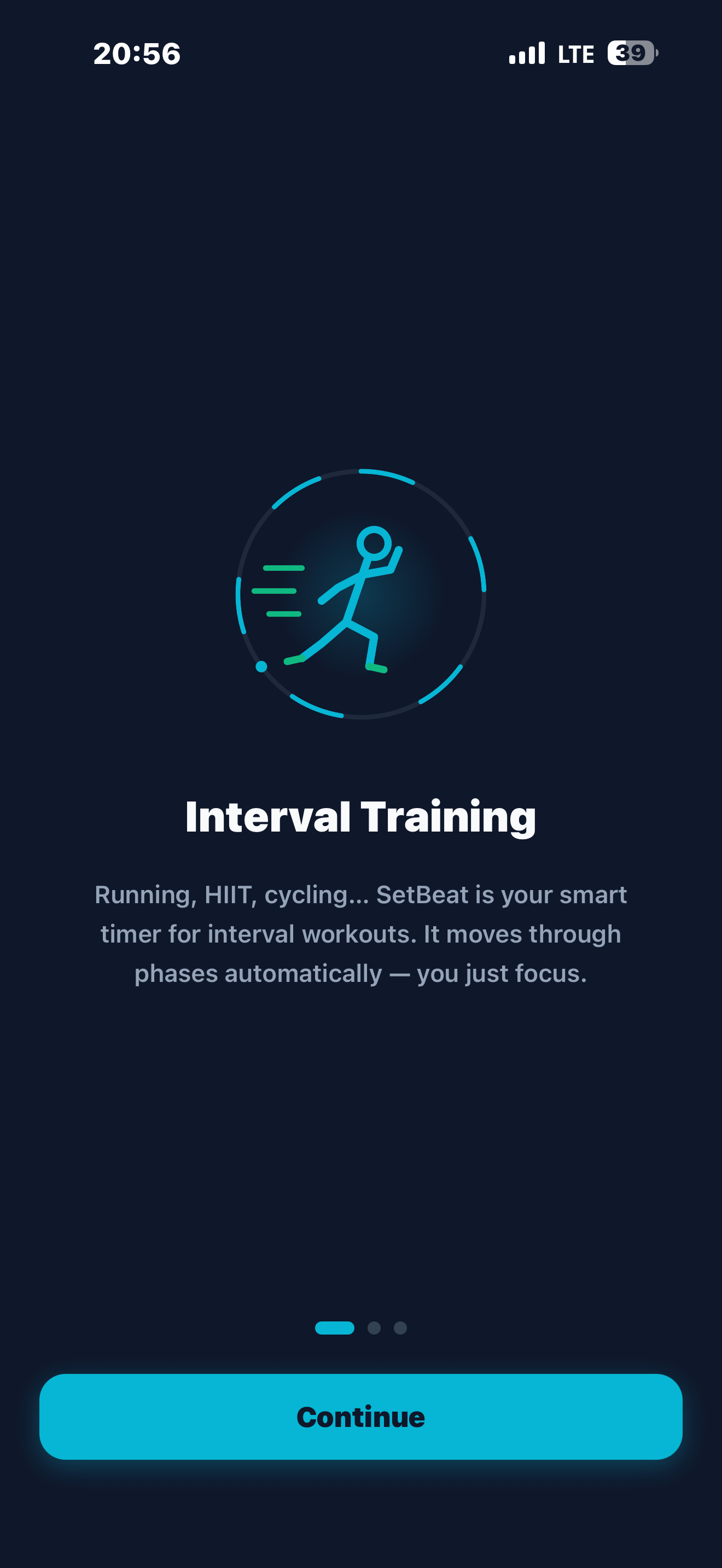
Interval Training
Smart timer for running, HIIT, and cycling.
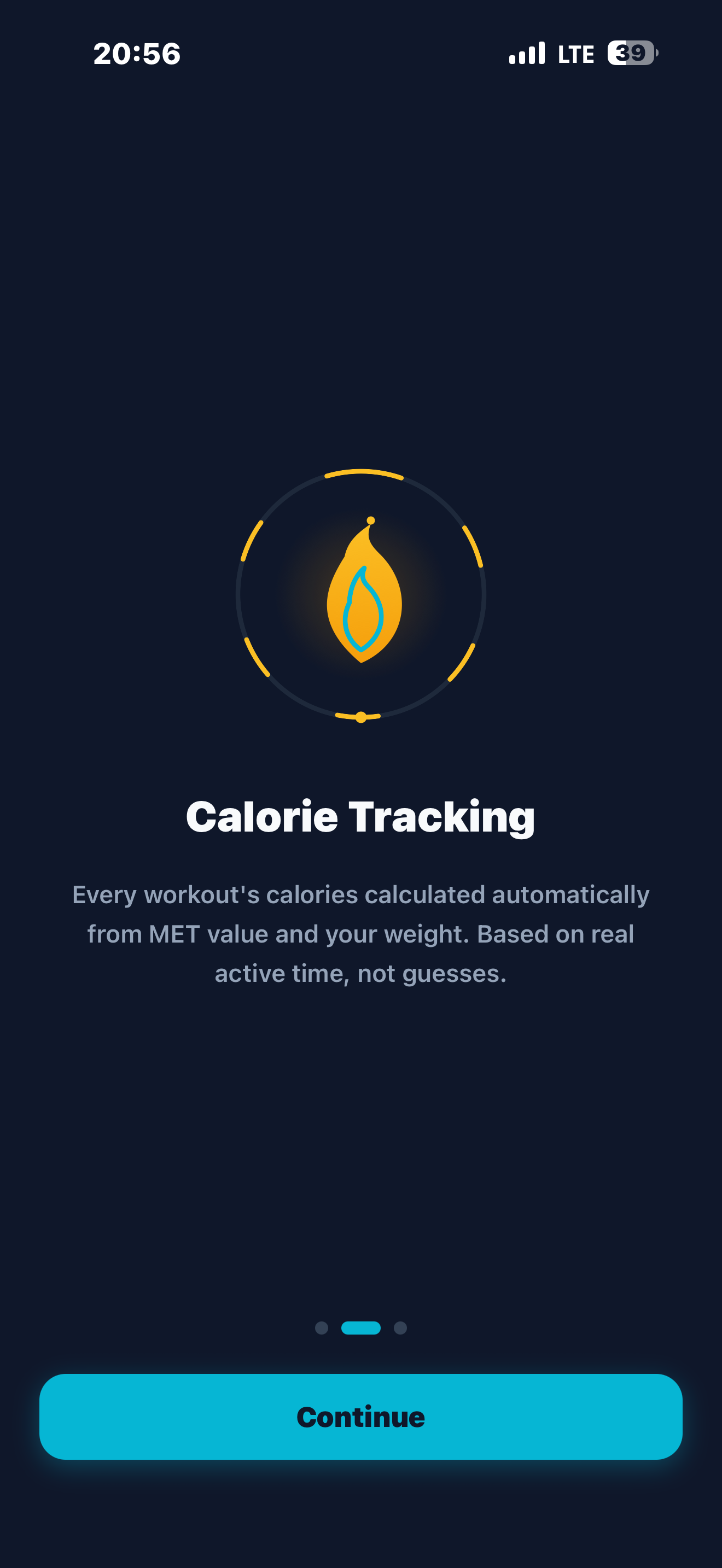
Track Calories
Real MET-based math — not a rough guess.
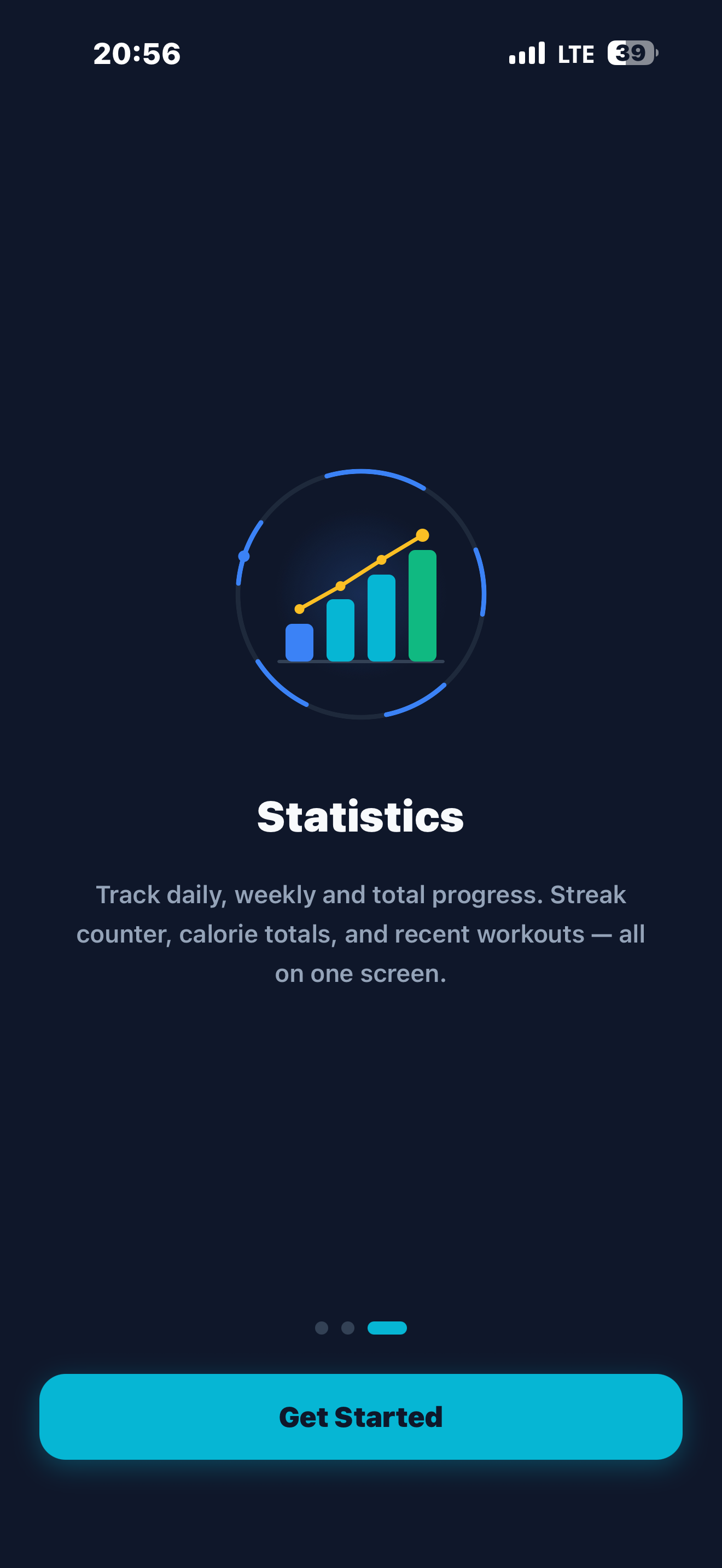
See Progress
Streaks, weekly charts, and all-time totals.
See It in Action
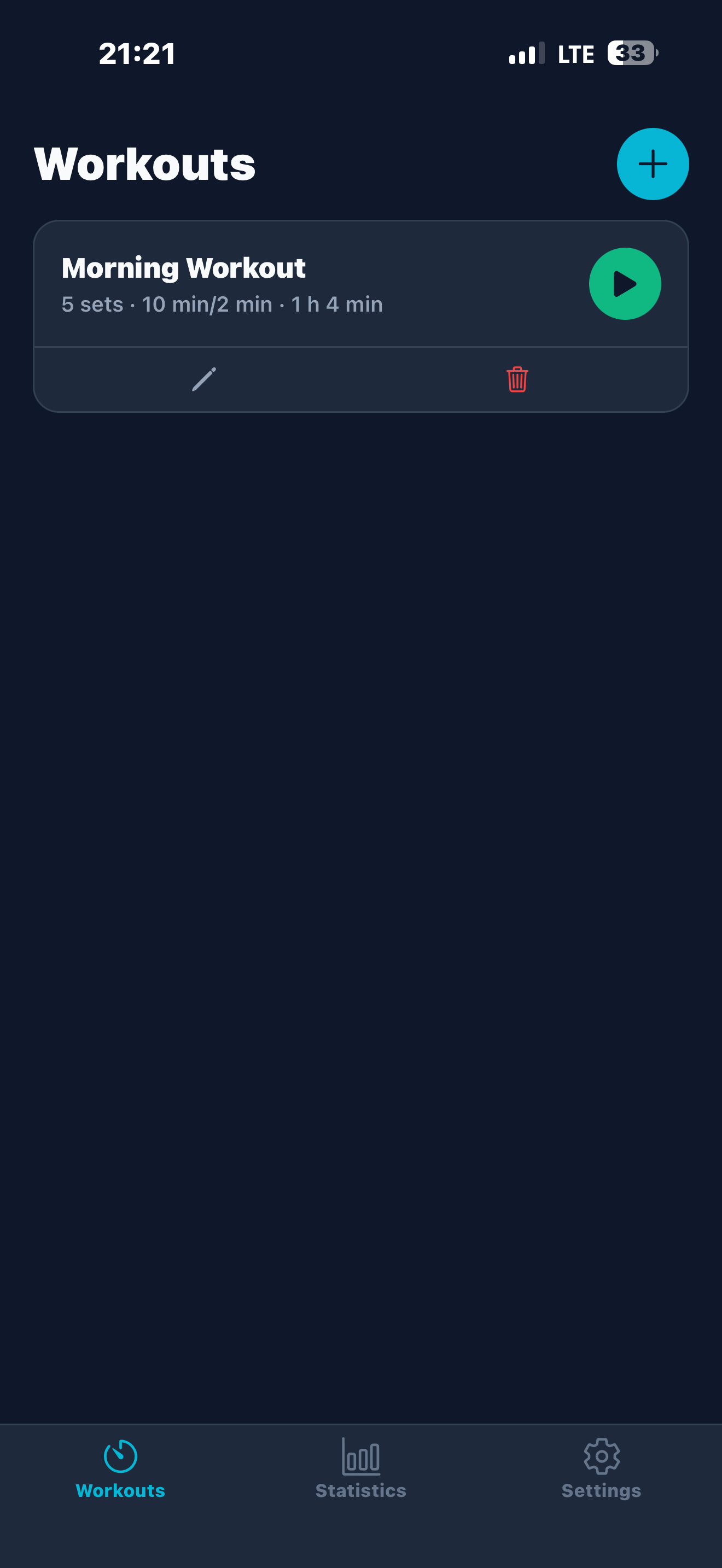
Every screen designed for speed and clarity.
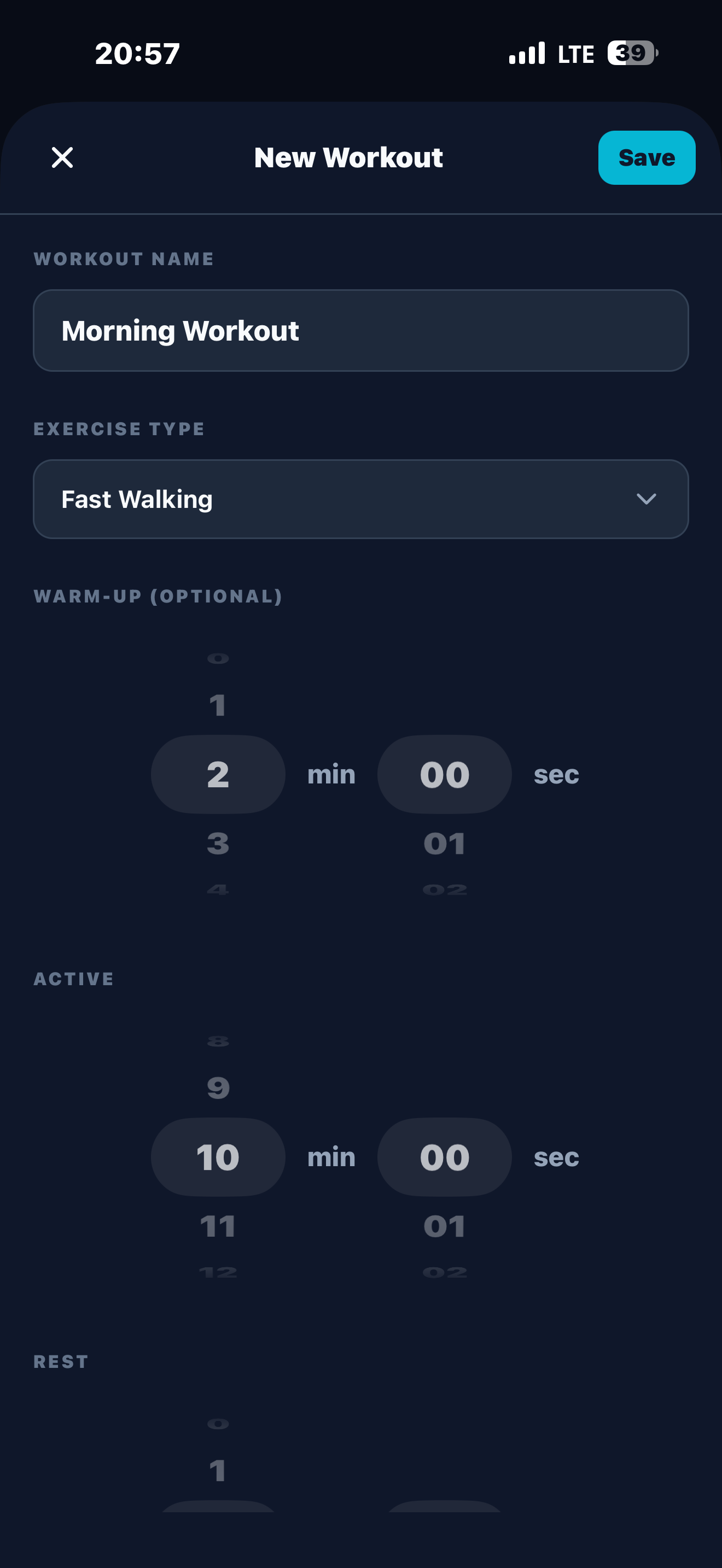
Build a new workout
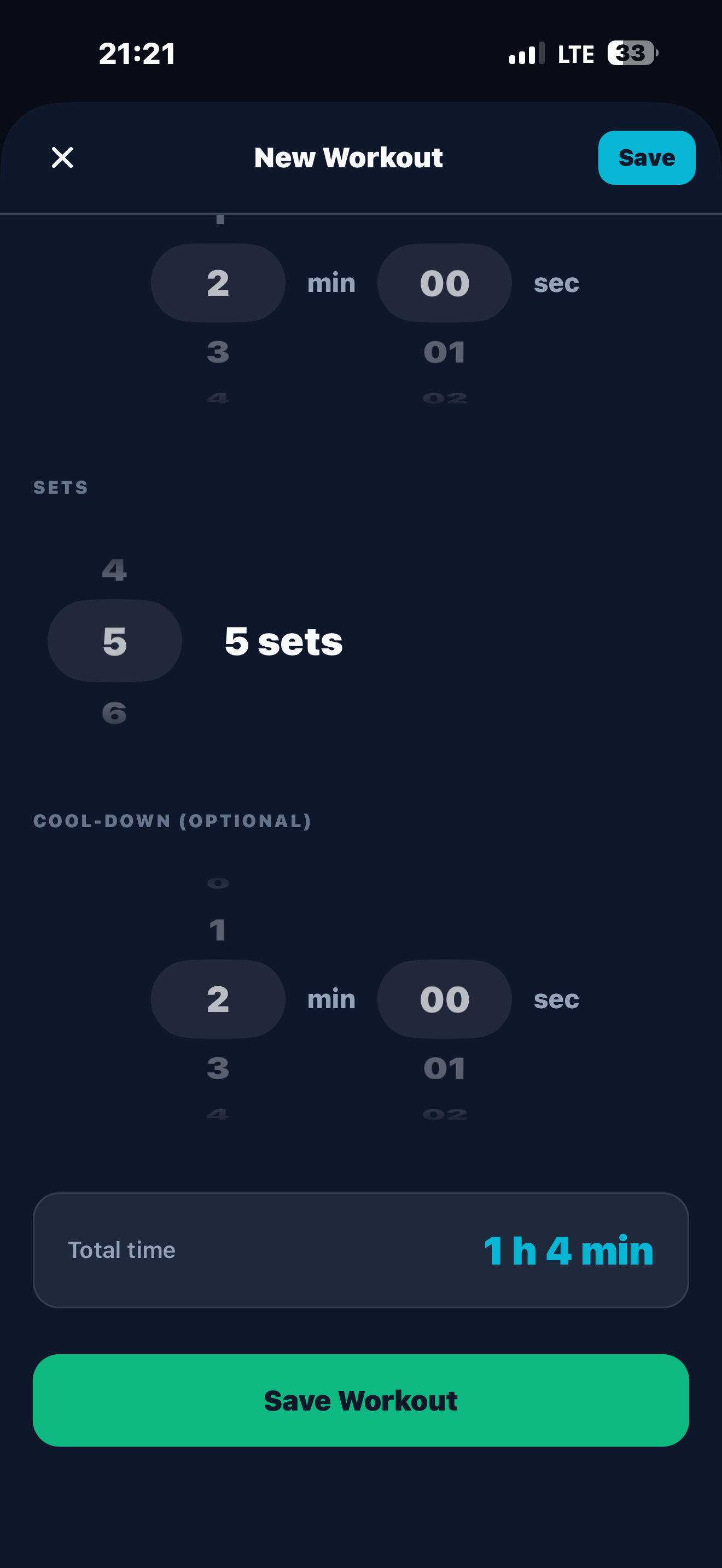
Sets, rest, cool-down
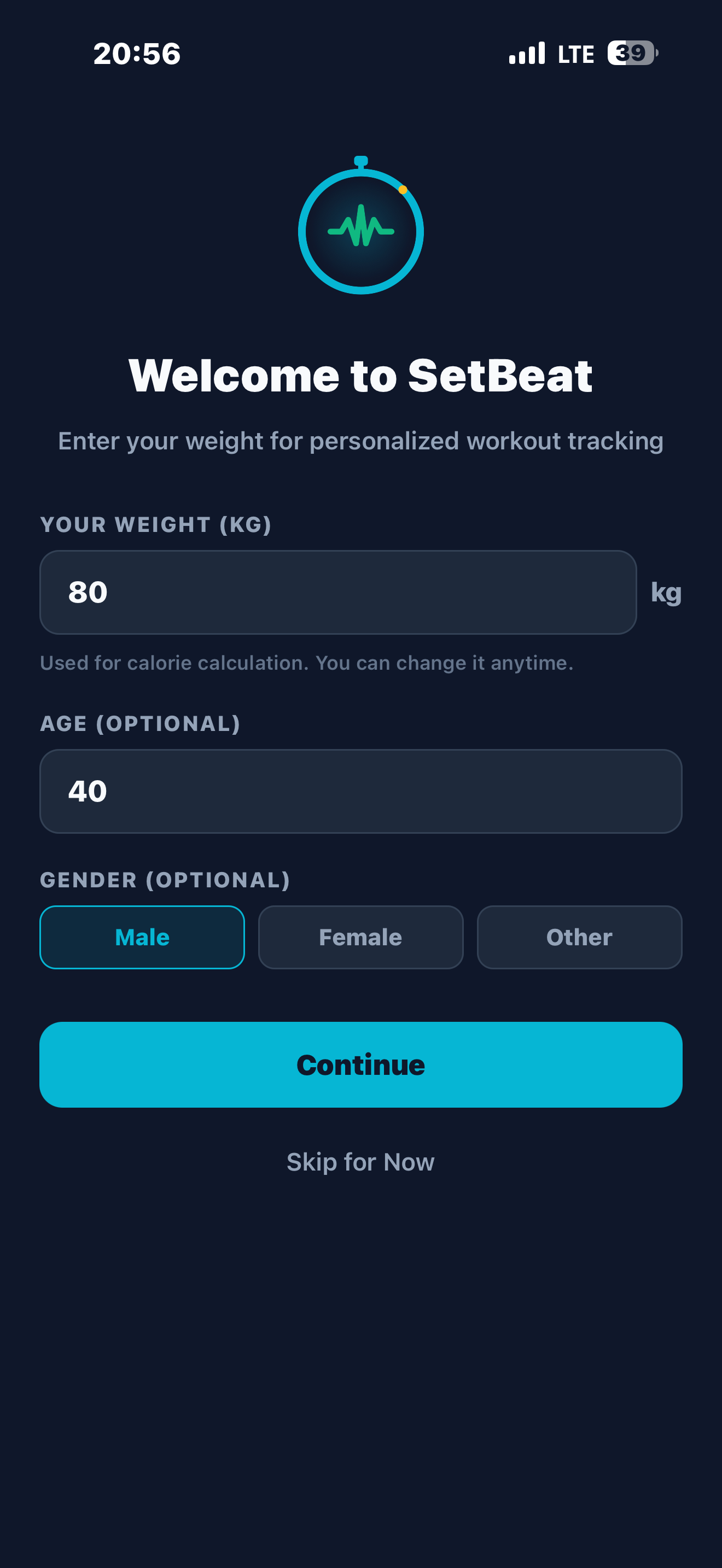
Personal calorie tracking
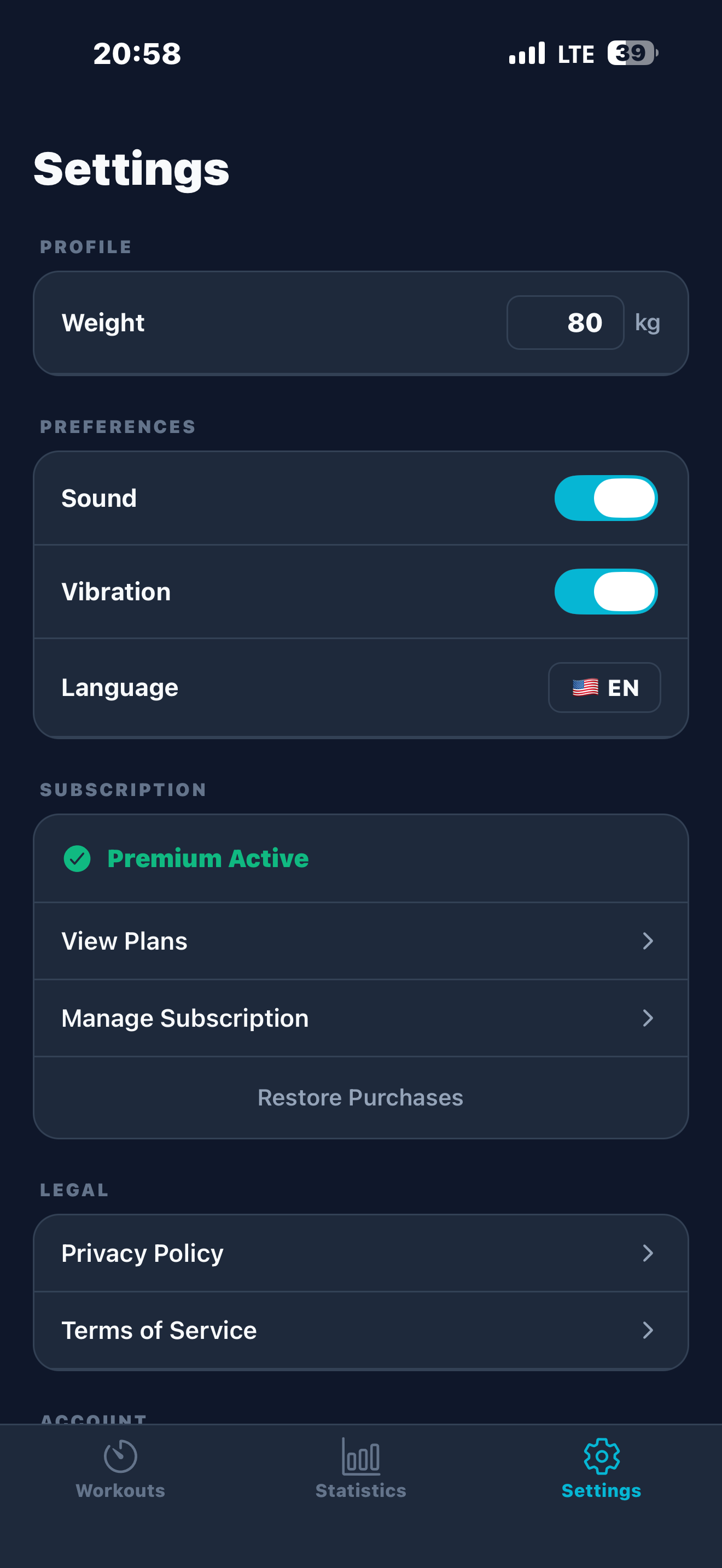
Full control, clean UI
Build a new workout
Sets, rest, cool-down
Personal calorie tracking
Full control, clean UI
Pricing
Remove ads with a single payment.
One-time payment. No subscription, no cancellation.
Frequently Asked Questions
Does the timer stop when I put my phone in my pocket?+
No. SetBeat schedules all phase transitions as local notifications before they happen. You get audio and haptic alerts for every transition, even with the screen off.
Does it sound in silent mode?+
Yes. SetBeat sets its audio category to "playback" — the same category used by music apps — which overrides the silent switch.
Can I use it alongside Spotify or podcasts?+
Yes. SetBeat runs in "mixWithOthers" mode; it layers the timer sound over your background audio without interrupting it.
Where is my data stored?+
All workout data is stored locally on your device and never sent to any server. Purchases are managed through RevenueCat's secure infrastructure.
Is it really a one-time payment?+
Yes. Ad-free access is a single $4.99 purchase — no subscription, no recurring charge, nothing to cancel.
Get Started Now
Free to download. $4.99 for ad-free.